



Dr Dabber Switch 2
- Regular price
-
$549.99 CAD - Regular price
-
$579.99 CAD - Sale price
-
$549.99 CAD
Couldn't load pickup availability
CONTACT US
Email Or Text us for a quick response:
- Sales@CanadianVaporizers.ca
- 604-300-5993
AUTHORIZED RETAILER
All of our products are sourced directly from authorized wholesalers, ensuring every item is 100% authentic and covered by the manufacturer warranty. For select products, we also provide our own in-house warranty service. Either way, we’ll never leave you hanging if you’re within your warranty period, we’ll make sure you’re taken care of!
WARRANTY INFORMATION
At Canadian Vaporizers, we stand behind every product we sell. Depending on the brand, some warranties are handled directly in-house, while others are processed through the manufacturer’s warranty program.
Most warranty claims are processed and completed within 1-7 days.
There’s no need to ship your defective product back, we keep the process simple. If you experience an issue, just send us a short video showing the problem, and once we confirm your product is defective, a replacement will be shipped right away. You can keep the original product, no returns necessary.
SHIPPING INFORMATION
Orders placed before 10 AM (Pacific Time) have the best chance of shipping the same day. Most orders ship within 24 hours, though in some cases there may be brief delays of up to 48 hours.
Our main warehouse is located in Vancouver, British Columbia, and we also ship select orders from our Manitoba warehouse to ensure faster delivery times across Canada.
As a hard-working small Canadian company, we take pride in personally handling every order with care and attention. You can shop with complete confidence knowing that all packages are shipped discreetly, in plain, unmarked packaging with no mention of vaporizers or our company name.
We understand you want your order quickly and privately, and we do everything we can to make that happen!
Please note that shipping and delivery times may be affected during holidays and long weekends.
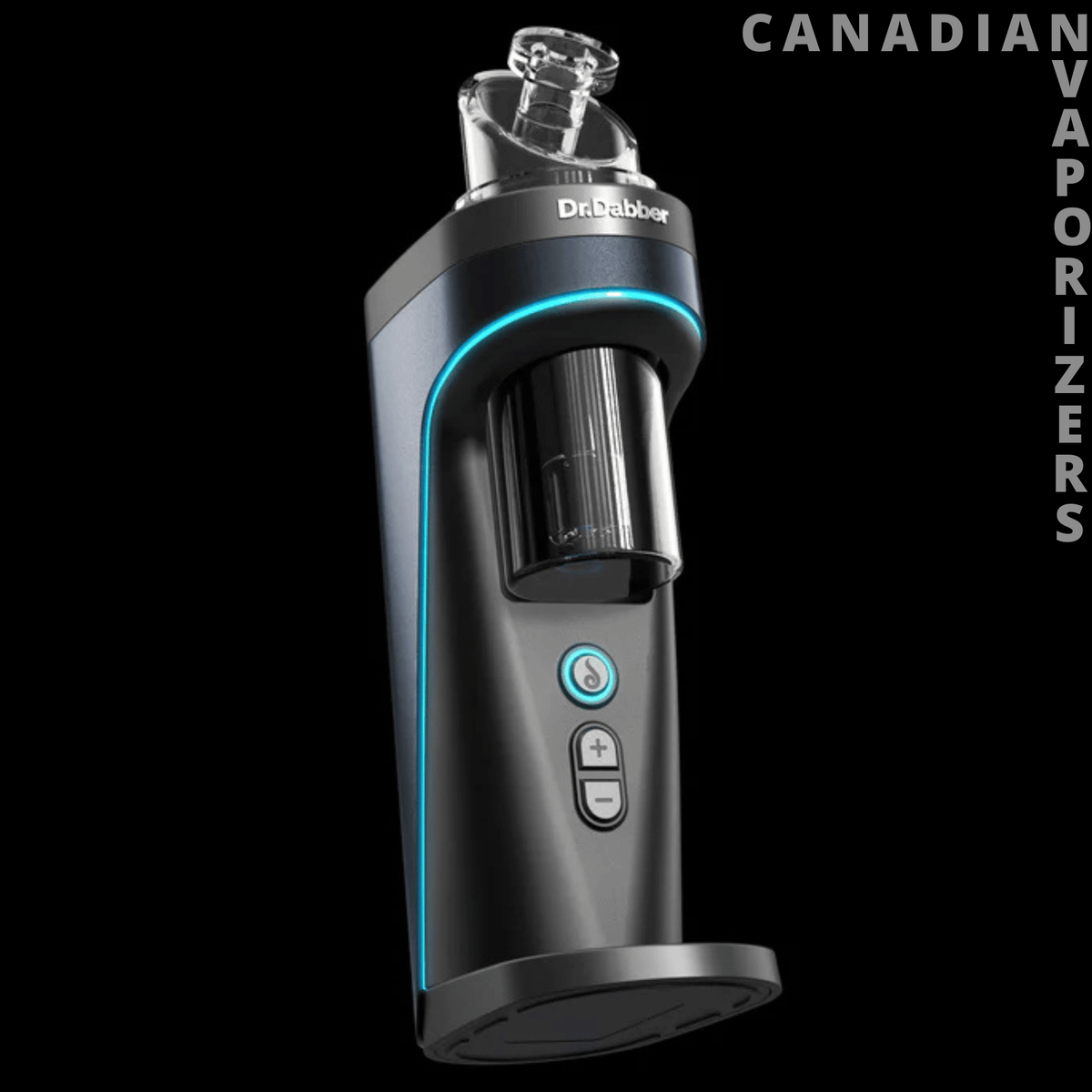
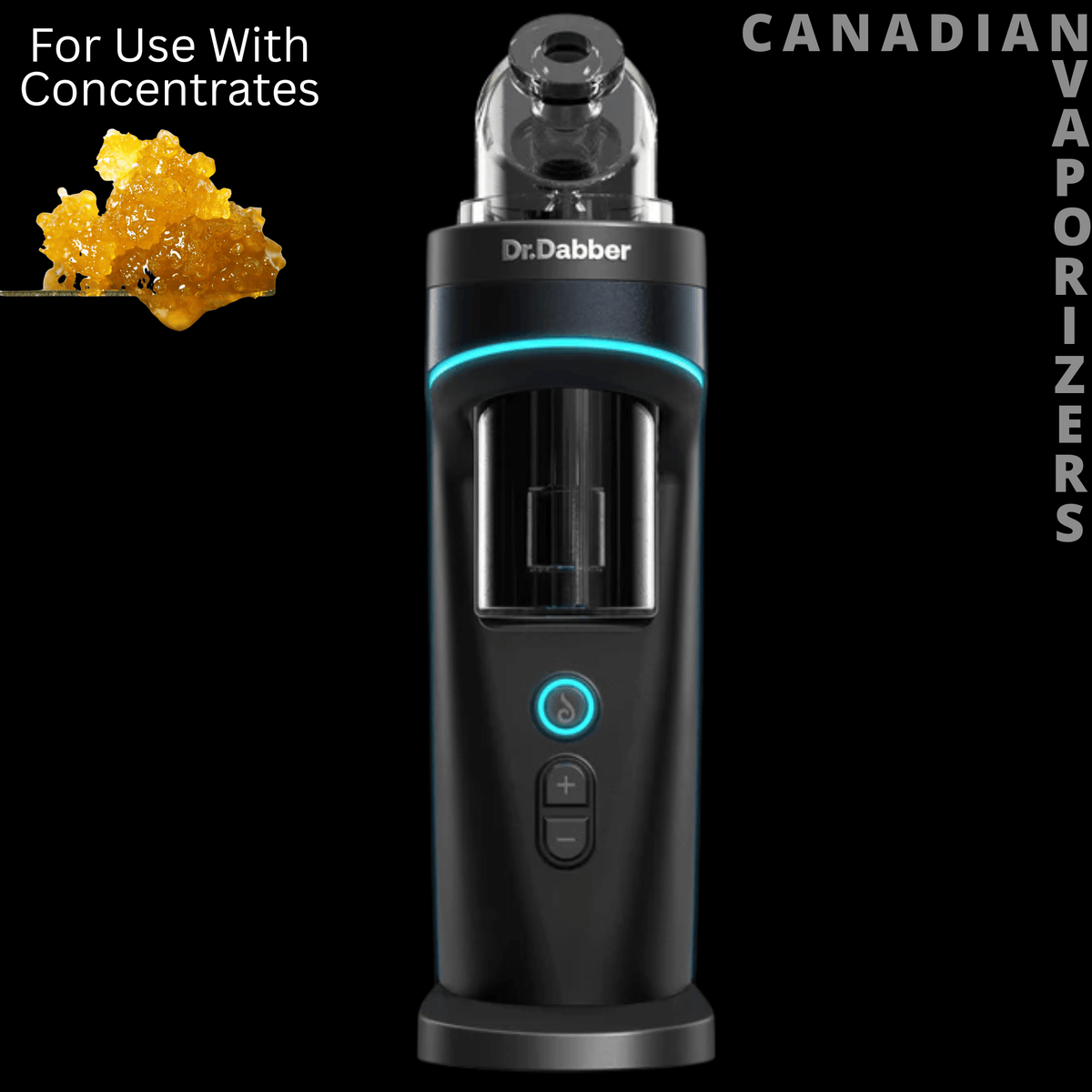


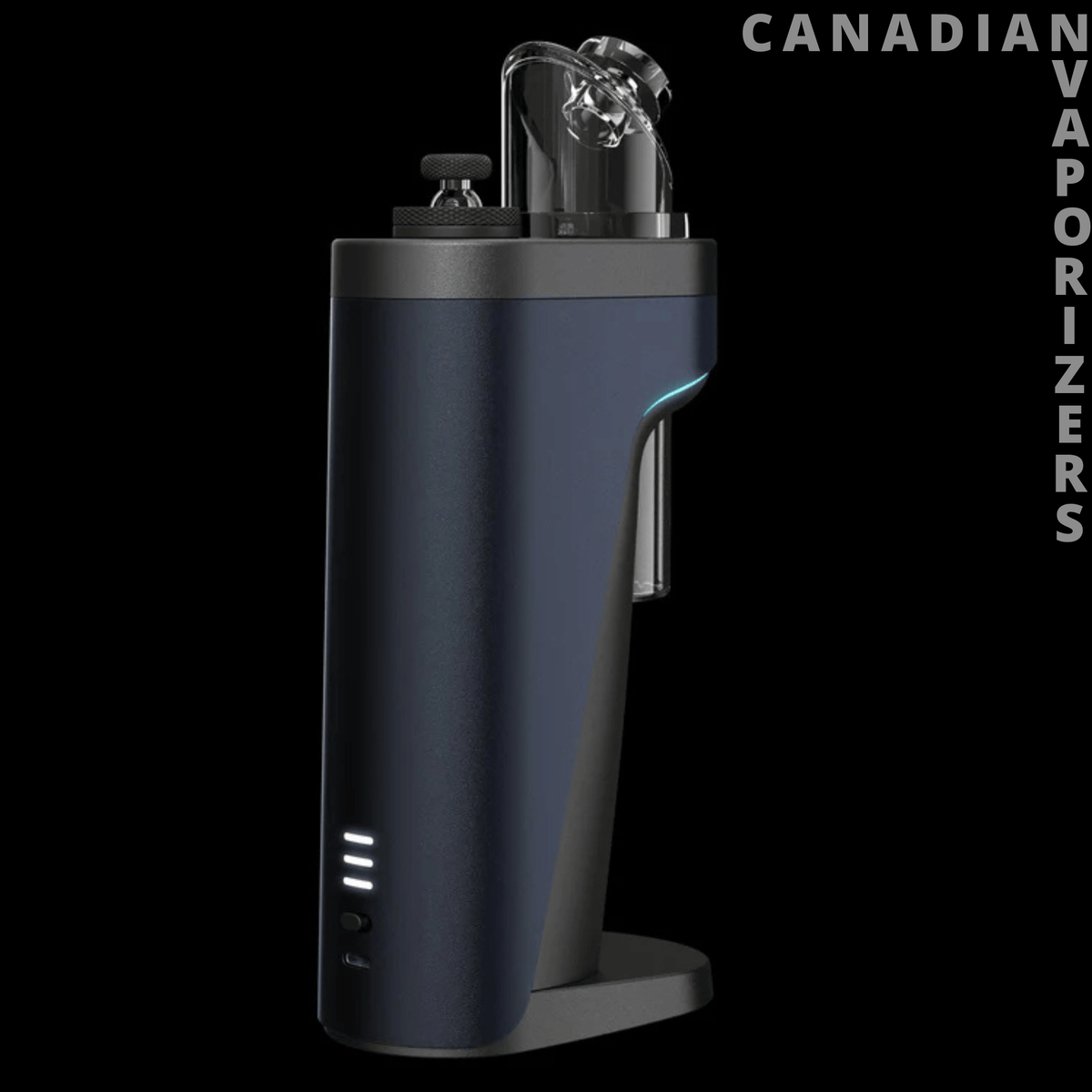
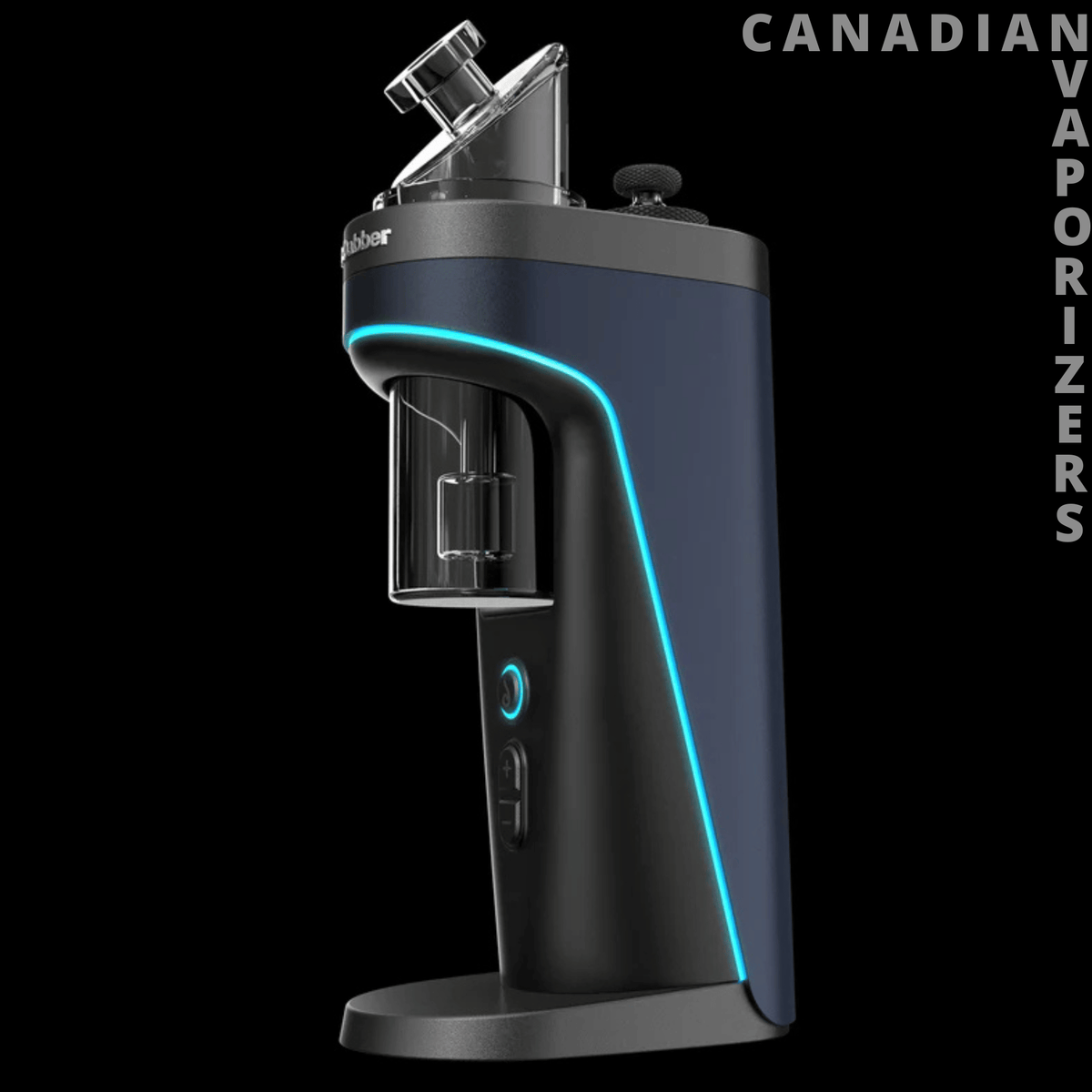
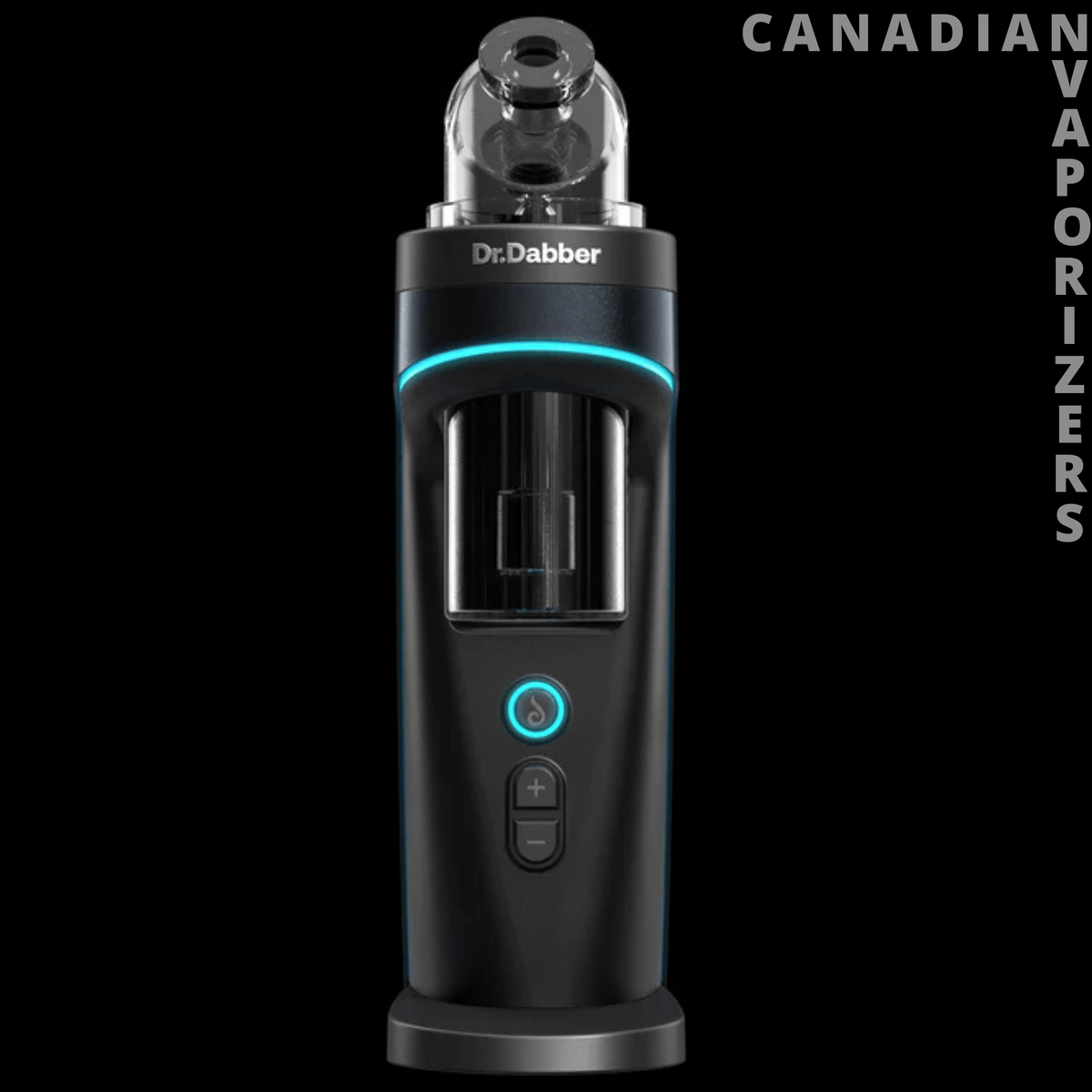
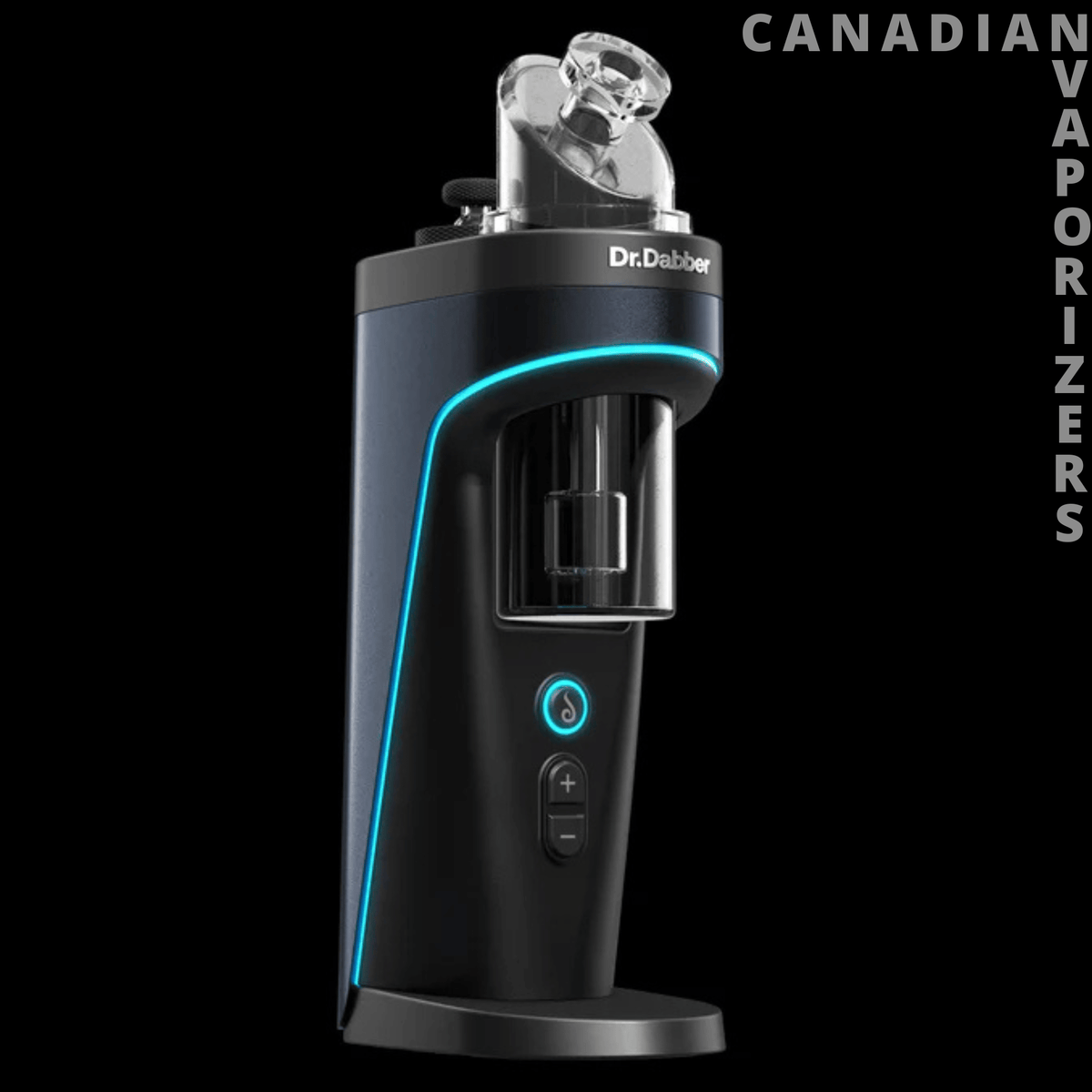
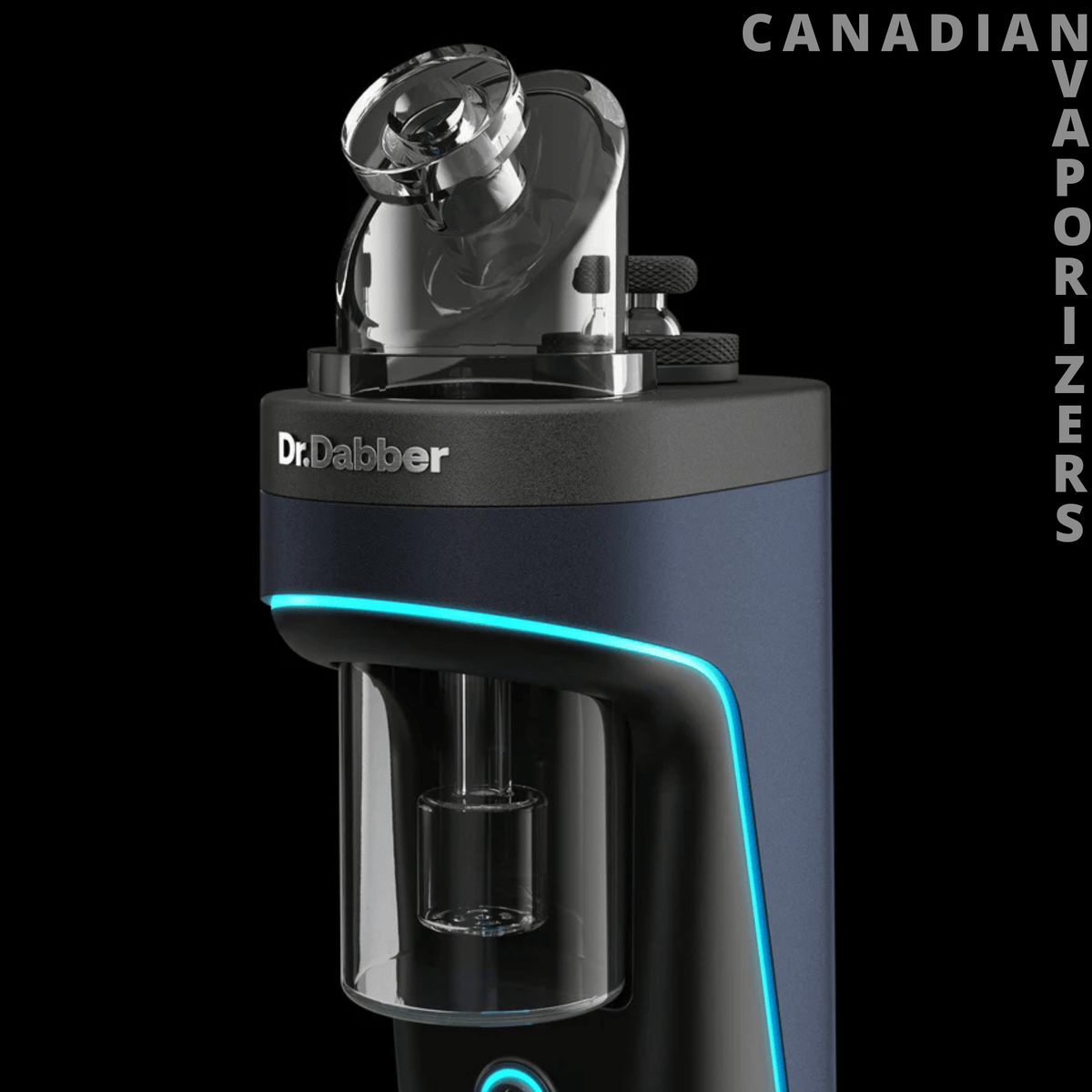
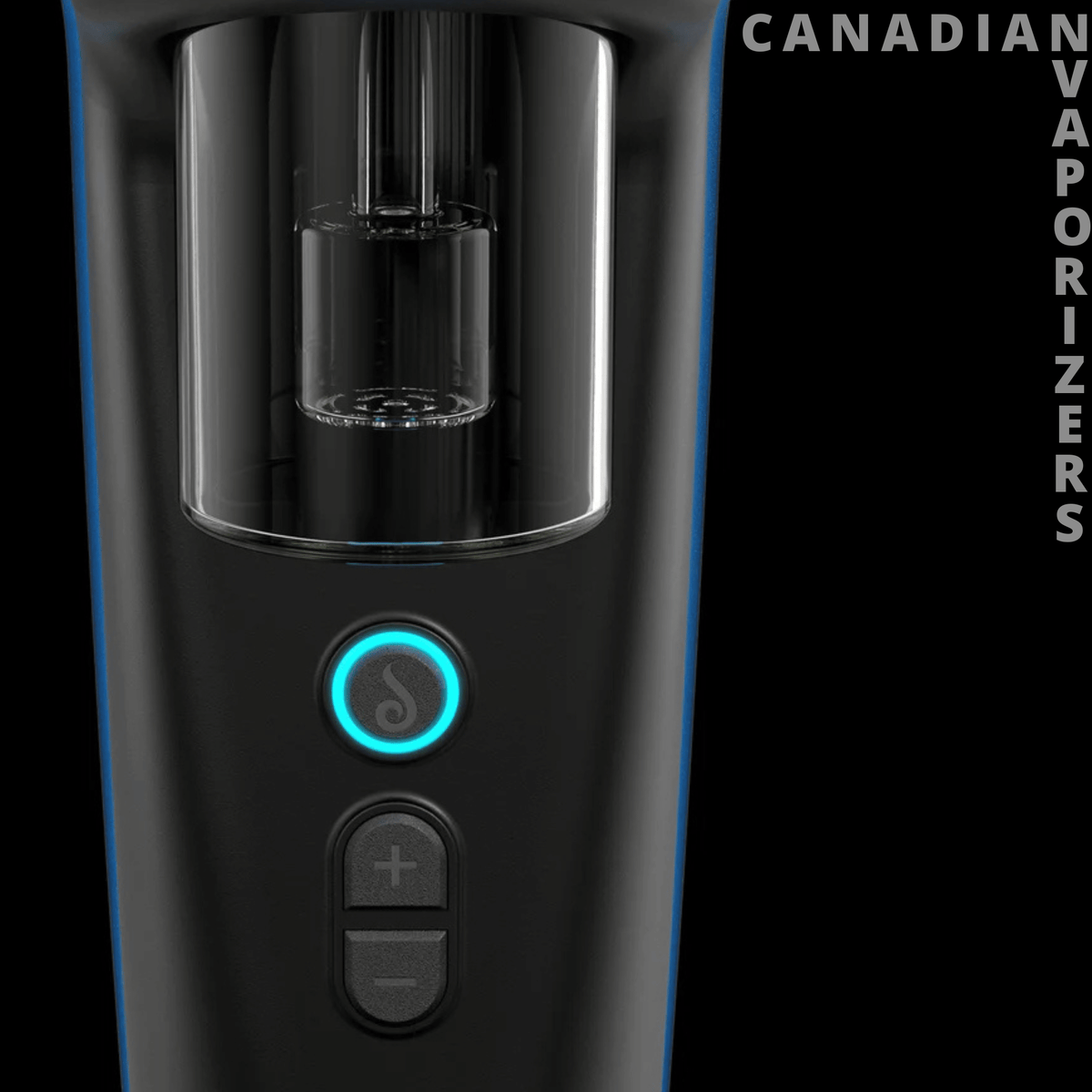
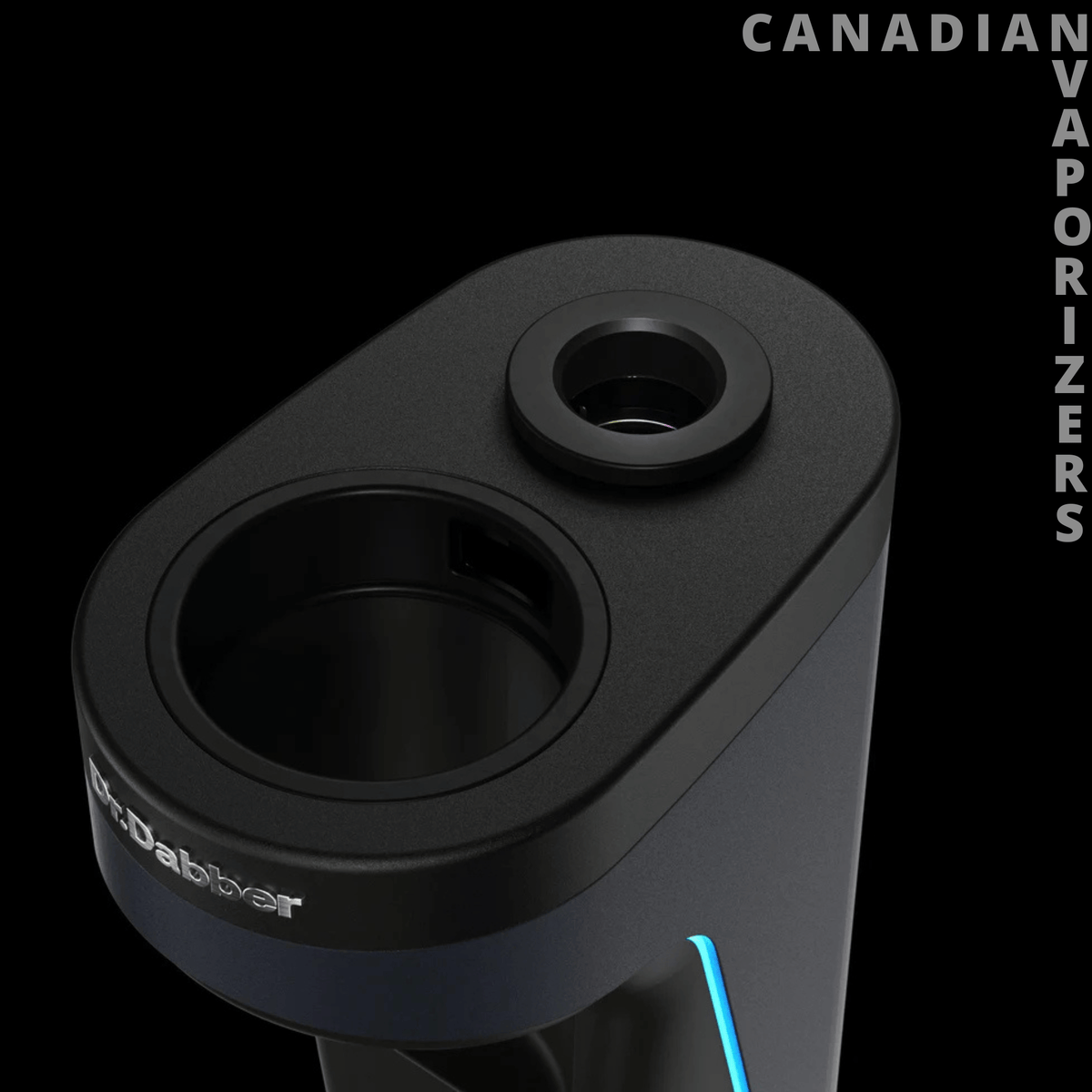
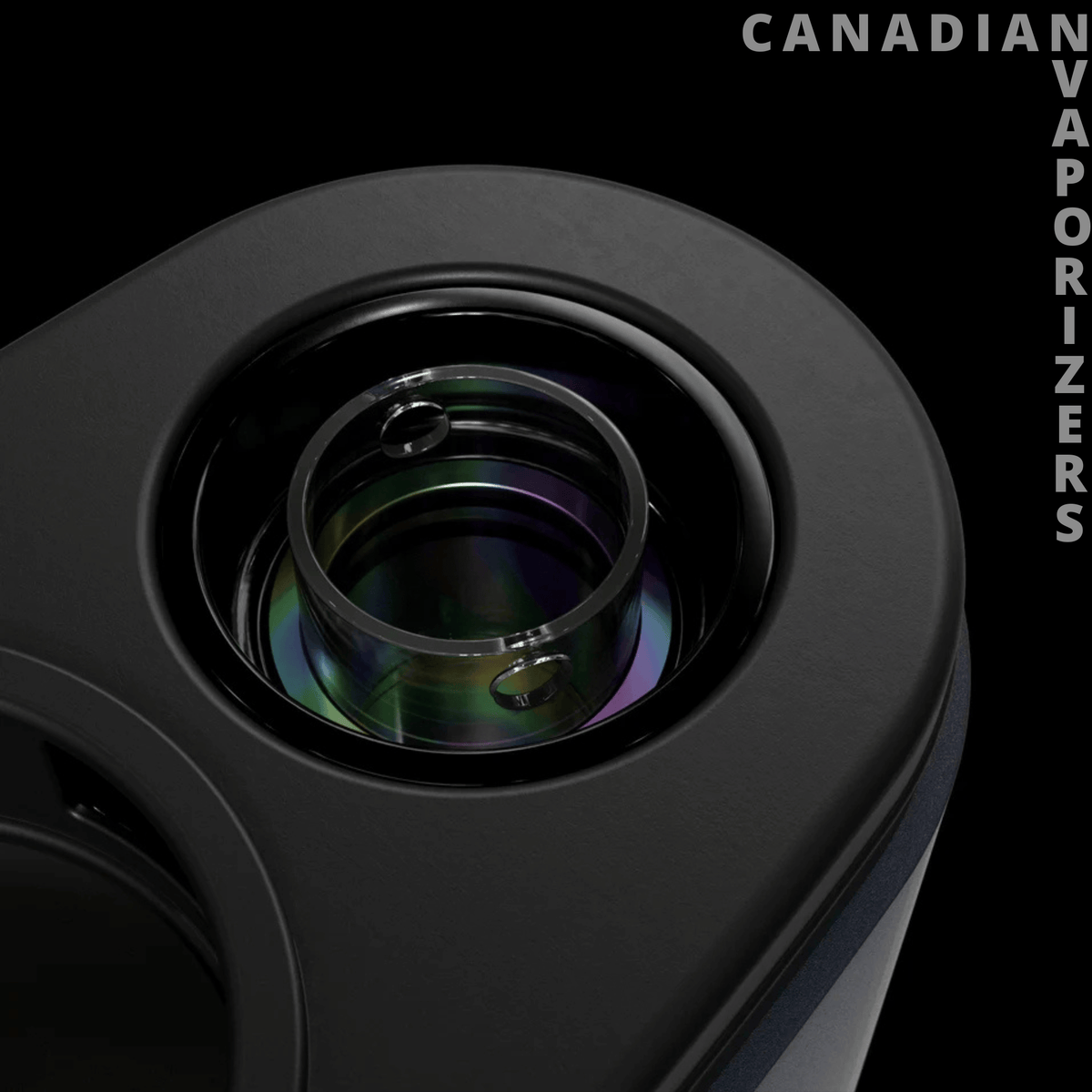
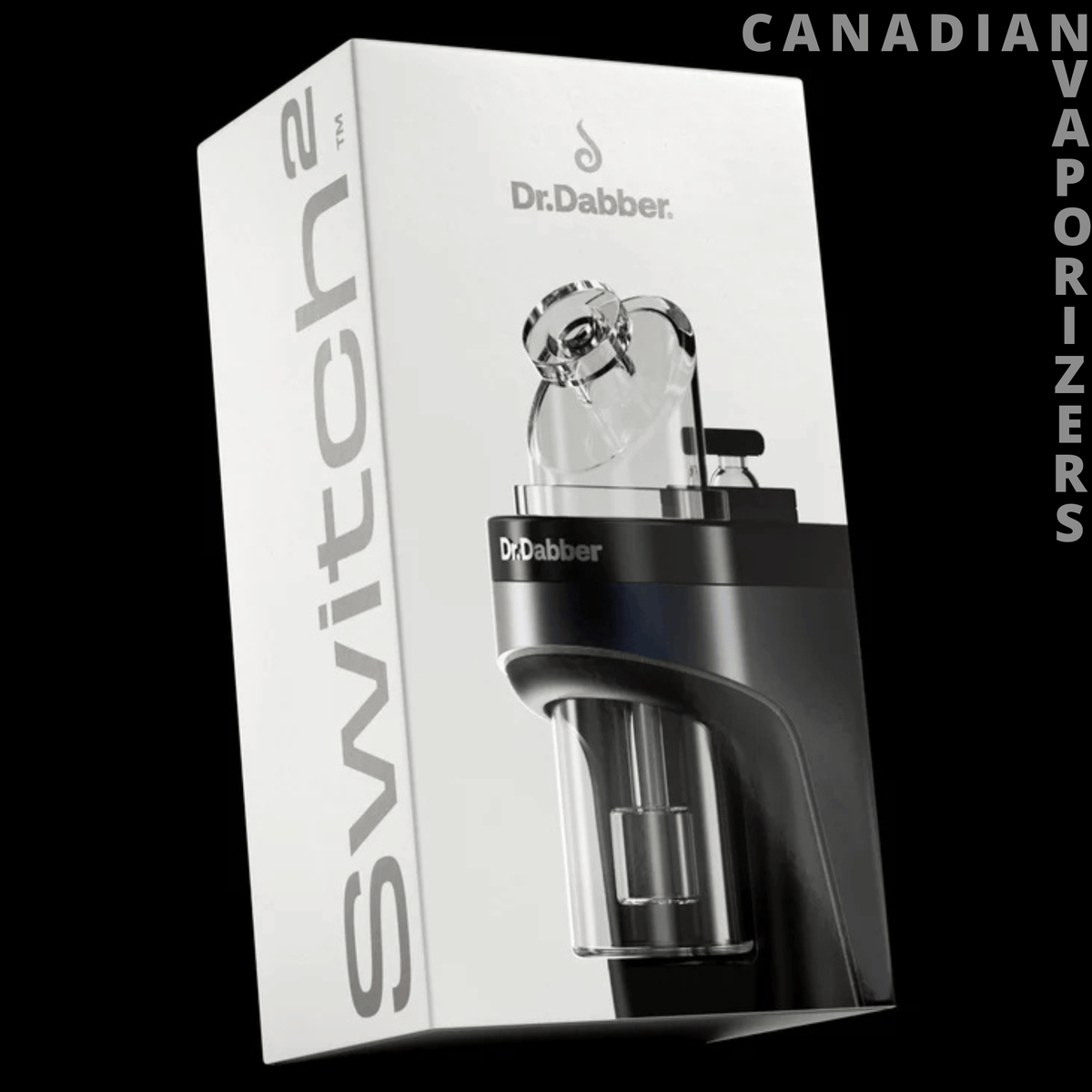

Top Features at a Glance
- Induction heating, no coils or atomizers to burn out
- Built-in IR sensor reads the insert’s real temperature
- Large 20mm quartz insert that handles up to a full gram
- 5 presets, adjustable from 250°F to 650°F in the app
- 6 dynamic heating modes, including custom curves
- Dr Dabber Drop heated loading tool included
- USB-C pass-through charging
About the Dr Dabber Switch 2
The Dr Dabber Switch 2 is a home electric dab rig built around induction heating. Instead of a coil or ceramic atomizer, it heats a built-in titanium chamber that holds a removable 20mm quartz insert. That means no atomizer to replace and a feel that’s very close to a torch and banger.
Its built-in infrared sensor reads the insert’s actual temperature in real time, so you get the heat you set. Add Dr Dabber’s heating modes and app control, and the Switch 2 gives you as much control as any e-rig available.
Explore the full lineup in our Dr Dabber vaporizers and accessories collection.
Specs
- Brand: Dr Dabber
- Device Type: Electric dab rig
- Compatible With: Concentrates, plus flower with the Titanium Insert (sold separately)
- Heating: Induction with a titanium heating chamber and built-in IR temperature sensor
- Insert: 20mm quartz (Sapphire Plus upgrade sold separately)
- Heat Settings: 5 presets from 400°F to 540°F (204°C to 282°C), adjustable from 250°F to 650°F (121°C to 343°C) in the app
- Heating Modes: Descent, Steady, Ascent, Hill, Valley and Custom
- Battery Life: Up to 30 heat cycles per charge
- Charge Time: About 1 hour
- Charging: USB-C with pass-through charging
- Controls: On-device buttons plus Dr Dabber app
- Warranty: 2-year manufacturer warranty
What’s Included in the Box
- Dr Dabber Switch 2
- 20mm Quartz Insert
- Glass Bubbler Attachment
- Carb Cap
- Dr Dabber Drop Heated Loading Tool
- USB-C Cable
- Charging Adapter
Buy the Dr Dabber Switch 2 in Canada
Check current availability and order from Canadian Vaporizers. Your Dr Dabber Switch 2 is backed by Dr Dabber’s 2-year manufacturer warranty.
We ship from multiple warehouses across Canada, so your order arrives fast. Every package goes out in discreet packaging, and shipping is free on qualifying orders.
Everything Else You Need to Know About the Dr Dabber Switch 2
Build Quality and Materials
The Switch 2 is a solid, tabletop unit built to stay on your desk or coffee table. Since the titanium chamber is built in, there’s no atomizer to wear out, which is a big long-term advantage.
The glass bubbler filters and cools each hit, and the magnetic carb cap lifts off easily. LED light strips on the body show your temperature and status at a glance.
How does it work?
Fill the glass bubbler with water just above the perc holes and seat it on the base, lining up the markings. To remove it later, push it up from the bottom with your thumbs. Never pull it out by the mouthpiece.
Slide the switch on the back to turn it on. Use the Drop to load your concentrate by hovering it just above the insert and clicking the button. Keep the Drop’s tip out of the chamber and off the edge of the insert, since the induction field can damage it. A rice-sized dab is plenty, but the insert can handle up to a full gram.
Replace the carb cap, use the + and - buttons to pick a preset, then press the “d” button to heat. The lights pulse red while heating and turn green when it’s ready. Inhale slowly and move the carb cap to steer airflow.
Pros and Cons
Pros
- True insert temperature from the IR sensor
- No atomizers to burn out or replace
- Big 20mm insert handles large dabs
- Heating modes that mimic a real banger
- Drop loading tool included
Cons
- Large and heavy, best for home use
- No carrying case included
- iPhone app setup needs the LabLink browser
- The power switch on the back is easy to forget
Temperature Settings
The five built-in presets are:
- Purple: 400°F / 204°C
- Blue: 440°F / 227°C
- Cyan: 480°F / 249°C
- Orange: 500°F / 260°C
- White: 540°F / 282°C
In the app, you can set any temperature from 250°F to 650°F (121°C to 343°C) in single-degree steps and save it to a preset.
Features That Stand Out
The heating modes are what make the Switch 2 feel different:
- Descent: The default. Slowly cools after reaching your set temp, like a banger cooling off.
- Ascent: Slowly climbs after reaching your set temp, like torching a banger as you inhale.
- Steady: Holds one temperature for the whole dab.
- Hill: Climbs for clouds, then eases off for a smooth finish.
- Valley: Dips to preserve terpenes, then rises to finish with clouds.
- Custom: Build and save your own heating curve.
The app adds live insert temperature, exact battery percentage, hold times from 10 to 90 seconds, LED and haptic settings, and the ability to share your presets with other Switch 2 users.
Cleaning and Maintenance
Swab the insert with a dry cotton swab right after each dab, then with an iso-dipped swab while it’s still warm. You only need to remove the insert when it really needs it. Let the unit cool first, run the cleaning assist cycle in the app to loosen it, and don’t grab it by the vent holes. Skip the torch, since inserts aren’t covered under warranty.
Clean the glass bubbler by shaking it with 91% iso (add a little salt for stubborn residue), then rinse with warm water and dry fully. Use an iso-dipped swab around the insert seat and airpath. Never use iso on the outer shell, as it damages the Blue Onyx finish. Wipe it with a damp paper towel and a little dish soap instead, and keep liquid away from the charging port.
Flavour and Cloud Performance
The quartz insert gives a clean, banger-like taste, and the IR sensor keeps the temperature where you set it. Lower presets and Valley mode bring out terpene flavour. Higher presets and Hill or Steady mode push out thick clouds.
The large 20mm insert gives concentrate room to spread out, which means less splashing and bigger dabs.
Accessories and Parts That Fit
Keep a spare Dr Dabber Switch 2 Quartz Insert on hand so you can swap and keep dabbing without waiting for one to cool. For smoother heat distribution and easier cleaning, upgrade to the Dr Dabber Switch 2 Sapphire Plus Insert.
Replacement parts include the Switch 2 Glass Mouthpiece, the Switch 2 Carb Cap and a spare Dr Dabber Drop. See everything in our Dr Dabber Switch parts collection.
Where This Fits in Your Setup
The Switch 2 is a desk rig for serious dabbers who want maximum control. If you want a smaller, more portable Switch, look at the Dr Dabber Switch Go. It uses dual mesh heating instead of induction and a smaller 14mm insert, and our Dr Dabber Switch Go Review covers how the two compare.
Deciding between Dr Dabber and Puffco? Our Dr Dabber Switch 2 vs Puffco Peak Pro 3DXL comparison breaks down the differences.
Warranty
The Dr Dabber Switch 2 is covered by Dr Dabber’s 2-year manufacturer warranty on the battery, charger and electrical components. Inserts are wear parts and aren’t covered for normal use.


2025
2026
2024
2024
Yes
Yes
Yes
x
USA
USA
USA
USA
5-10 Seconds
5-20 Seconds
5-15 Seconds
Instant
1,000 mAh
1600 mAh
30 Heating Cycles
400 mAh
7/10
8/10
9/10
x
Conduction
Dual Parallel Heating
Induction
x
USB-C / 1 Hour
USB-C / 1 Hour
USB-C / 1 Hours
USB-C
1 Year
1 Year
2 Years
1 Year
Button
Both
Both
Button
FAQs
How long does the Switch 2 take to heat up?
Between 5 and 15 seconds, depending on your selected temperature and mode.
How long does the battery last?
Up to 30 heat cycles per charge, with fewer on higher settings and longer hold times. It recharges over USB-C in about an hour.
What insert options are available?
The Switch 2 comes with a 20mm quartz insert. Dr Dabber also makes Sapphire Plus and Titanium inserts, sold separately. The Titanium Insert is the one to use for flower.
Can I use it while it’s charging?
Yes, USB-C pass-through charging lets you use the device while it’s plugged in.
Does it have a cleaning mode?
Yes. The cleaning assist cycle in the app gently warms the insert for 30 seconds, making it easier to clean and remove. It doesn’t burn off residue, so keep swabbing after each dab.
Can I customize the temperature settings?
Yes. In the Dr Dabber app (Android, or iPhone through the LabLink browser), you can set exact temps, hold times, heating modes and light modes, then save them to the buttons.
